


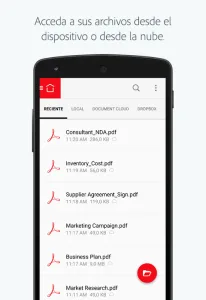
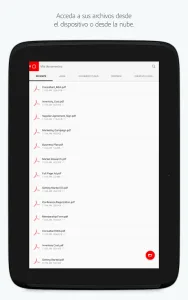
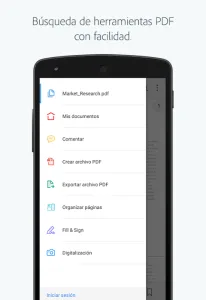
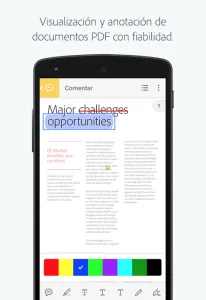
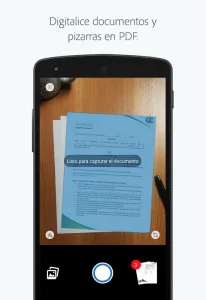
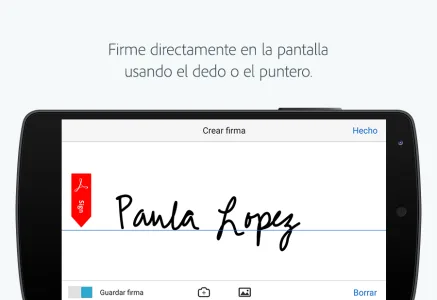
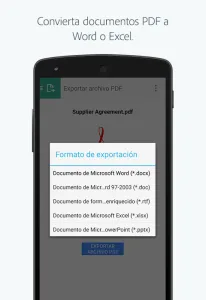
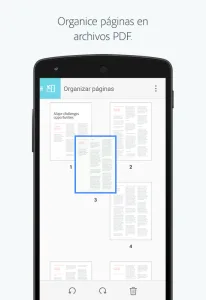
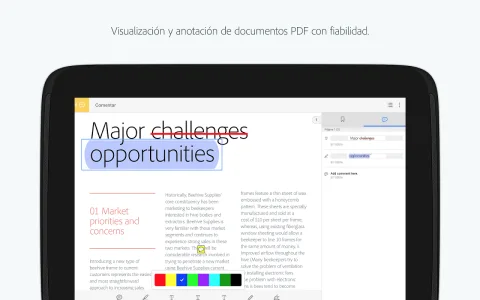
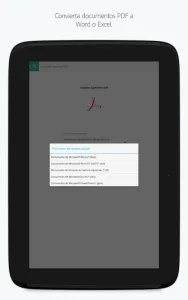
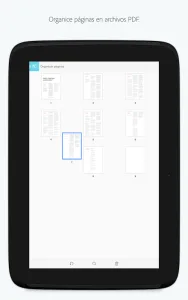
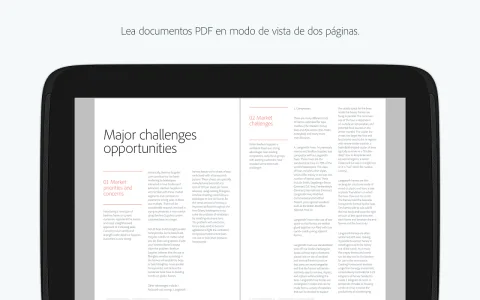
Adobe Acrobat Reader stands as the premier solution for handling Portable Document Format (PDF) files on your Android device. More than just a reader, this tool empowers users to view, annotate, and manage PDFs with ease, transforming your smartphone or tablet into a portable document workstation. It’s designed for efficiency, whether you’re reviewing contracts on the go or catching up on research papers.
AI-Powered Assistance
A significant leap forward comes with the integration of Adobe Acrobat AI Assistant. This feature streamlines your interaction with PDFs by allowing you to work across multiple files in a unified space. Collaborate seamlessly, store your documents, and leverage the AI Assistant across various files for enhanced productivity.
Interactive Document Q&A
The updated AI Assistant features a chatbot that responds to both voice and text prompts. It can answer questions about details within your documents, including charts, graphs, and tables, through the Figures Q&A feature. Easily share the responses you receive, making collaboration more efficient than ever. Voice support adds another layer of convenience, allowing for hands-free interaction.
Seamless File Sharing
Sharing documents and insights has never been easier. The platform allows you to share responses generated by the AI Assistant, fostering collaboration and knowledge sharing. Whether you’re working on a team project or simply need to get feedback on a document, this feature ensures that everyone stays informed and connected.
Cloud Integration Benefits
Beyond local file management, the service seamlessly integrates with Adobe’s cloud services. This allows you to access your documents from any device, ensuring that your important files are always within reach. Cloud integration also facilitates collaborative editing and real-time updates, making it an ideal tool for teams working remotely.







Write a review